
Color science · · ToPantone Team
HEX vs Pantone: Why Screen Colors and Print Colors Differ
The difference between HEX/RGB screen colors and Pantone spot inks, why some HEX colors can't be printed, and how ΔE helps you choose the closest Pantone match.
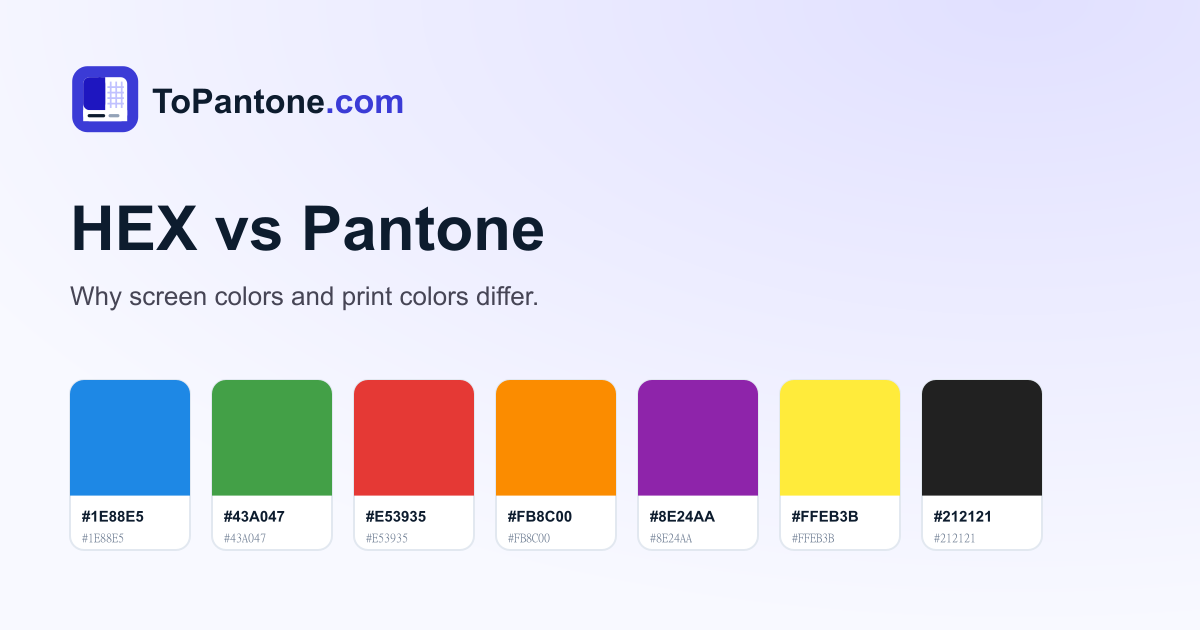
A HEX code such as #1E88E5 and a Pantone spot color can both describe “a medium blue” — but they work in completely different ways.
HEX and RGB: colors made of light
A HEX code is just a compact way of writing an RGB color: #1E88E5 means red 30, green 136, blue 229. Screens create color by emitting light from red, green and blue sub-pixels. Because light is additive, screens can show very bright, saturated colors.
Pantone: colors made of ink
A Pantone color is a physical ink mixed to a fixed formula. Printed color is reflected light: the paper reflects light and the ink absorbs part of it. Inks can’t glow, so some screen colors — neon greens, electric blues, very bright purples — simply have no exact printed equivalent.
Why a conversion is always “closest”, not “exact”
Converting HEX to Pantone means finding the ink that looks most like the screen color. A good converter:
- Converts the HEX value to CIE L*a*b*, a color space modelled on human vision.
- Compares it with every Pantone reference color.
- Ranks the results by ΔE (Delta E) using the CIEDE2000 formula.
| ΔE00 | What it means |
|---|---|
| < 1 | Practically identical |
| 1 – 2.5 | Close commercial match |
| 2.5 – 5 | Noticeable difference |
| > 5 | Clearly different color |
Practical tips
- Design for print in print colors. If a logo will be printed, pick the Pantone color first and use its HEX value on screen.
- Calibrate your monitor, or your screen color won’t be a reliable reference.
- Approve colors on paper. Use a physical Pantone guide for final sign-off.
Ready to try it? Use the HEX to Pantone converter or go the other way with Pantone to HEX.
Convert your color to Pantone
Find the closest Pantone match for any HEX, RGB or CMYK value — free.