
Design software · · ToPantone Team
How to Use Pantone Colors in Canva and Figma
Canva and Figma have no Pantone libraries, but you can still match Pantone colors. Learn how to add Pantone colors with HEX codes, build a brand kit and avoid surprises when you print.
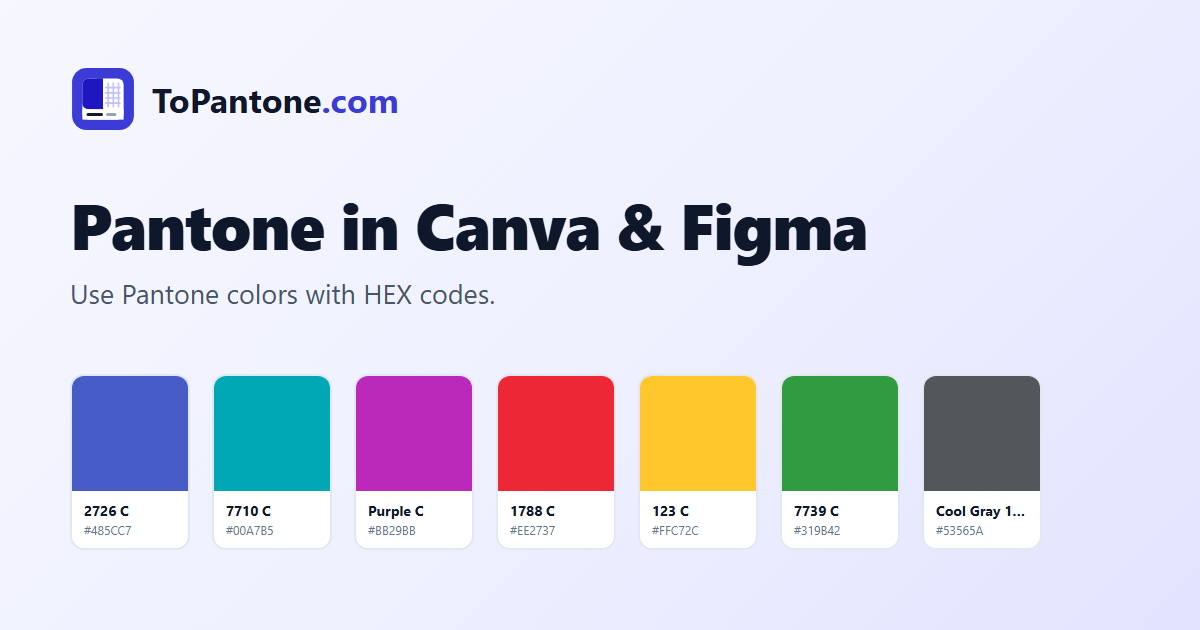
Canva and Figma do not include Pantone color libraries, so you use a Pantone color in either app by entering its HEX code, such as #0033A0 for Pantone 286 C. The HEX code is a screen approximation of the ink. That is enough for social posts, slides and web design, but print jobs that need an exact Pantone ink should go through a printer that receives the Pantone number as well.
Step 1: find the HEX code of your Pantone color
Open the Pantone to HEX converter, type the Pantone number and pick the coated (C) or uncoated (U) version. Popular examples:
| Pantone | HEX | RGB |
|---|---|---|
| 286 C | #0033A0 | 0, 51, 160 |
| 485 C | #DA291C | 218, 41, 28 |
| Reflex Blue C | #001489 | 0, 20, 137 |
| Black C | #2D2926 | 45, 41, 38 |
| Cool Gray 7 C | #97999B | 151, 153, 155 |
Use the C value if your brand prints mostly on glossy paper and the U value if it prints on matte stock, so the screen color looks like your print.
How to use Pantone colors in Canva
Add a color to a design
- Select the element, such as text or a shape.
- Click the color tile in the toolbar.
- Click the + tile (Add a new color).
- Paste the HEX code into the field and press Enter.
Save Pantone colors in a Brand Kit
- Open Brand from the Canva home page.
- Add a color palette and name it, such as “Print colors”.
- Paste each HEX code, and add the Pantone number to the palette or color name so the team knows the source.
The full Brand Kit is part of Canva’s paid plans. On a free plan, keep a list of HEX codes and paste them when needed.
Print from Canva
Canva print services and PDF exports use CMYK or RGB, not Pantone spot inks. A Canva PDF Print export can convert colors to CMYK, so a bright Pantone orange or blue may print duller. If the color must match a Pantone ink exactly, send the design to a printer and specify the Pantone number for each brand color.
How to use Pantone colors in Figma
Add a color to a design
- Select the layer.
- Click the fill color swatch in the right panel.
- Paste the HEX code in the HEX field.
Save Pantone colors as styles or variables
- Click the 4-dot icon next to the fill and choose + to create a color style.
- Name the style with the Pantone number, such as Brand/Blue – Pantone 286 C.
- Publish the styles to your team library.
Teams that use Figma variables can store the colors as color variables and add the Pantone number in the description field. Figma community plugins can search Pantone colors, but their values come from third-party data, so check them against a trusted converter.
Hand off to developers
Developers need HEX or RGB values, not Pantone numbers. Use the same HEX code in your CSS that you used in Figma, so the website matches the design file. The Pantone to RGB converter shows the values in CSS rgb() format as well.
Why the HEX color may not match your printed piece
A HEX code is light on a screen, and a Pantone color is ink on paper. 3 things cause differences:
- Screen settings: brightness, night mode and calibration change how any HEX color looks.
- Gamut: some bright Pantone oranges, greens and neons are outside the sRGB range of most screens.
- Paper: the same ink looks different on coated and uncoated paper.
Show clients a printed Pantone swatch next to the screen when the color matters.
Going the other way: from Canva or Figma to Pantone
If you designed a color in Canva or Figma first and now need a Pantone number for print:
- Copy the HEX code from the app.
- Paste it into the HEX to Pantone converter.
- Choose coated or uncoated.
- Pick the match with the lowest ΔE00; under 2 is a close match for most viewers.
- Save the Pantone number in your brand kit or Figma style name.
Frequently asked questions
Does Canva have Pantone colors?
No. Canva has no Pantone library. Enter the HEX code of the Pantone color to use it in a design.
Does Figma support Pantone?
No, Figma has no built-in Pantone library. Use HEX codes, and save them as color styles or variables named with the Pantone number.
Can Canva print in Pantone?
No. Canva print orders use process color printing, not Pantone spot inks. For exact Pantone printing, export a print-ready PDF and work with a printer who prints spot colors.
Which HEX code should I use for a Pantone color?
Use the HEX code of the version you print most: C for coated paper, U for uncoated. Keep the same HEX code in every app so the brand looks consistent on screen.
Summary
Canva and Figma work with HEX colors, not Pantone inks. Look up the HEX code of each Pantone color, save it as a brand color or style named with the Pantone number, and give printers the Pantone number when the ink must match exactly.
Convert your color to Pantone
Find the closest Pantone match for any HEX, RGB or CMYK value — free.